
Alyssa DiCarlo
Owner of Chatwith
10 Best Zendesk Alternatives in 2026 (Compared for Price, Setup and AI Support)
TL;DR
Zendesk is capable, but a small team often pays a lot for features it barely touches. The best alternative depends on your team size, ticket volume, and how much AI you actually want to bill for.
- Zendesk: stays the safe choice for heavy omnichannel ticketing, deep integrations, and enterprise governance.
- Freshdesk: the closest like-for-like swap; Growth runs $19 per agent with Freddy AI billed per session.
- Zoho Desk: the budget pick; Express is $7 per agent but capped at 5 users.
- Intercom: AI-first messaging from
29 per seat, plus Fin at0.99 per outcome. - Help Scout: simple shared inbox with a usable free plan; AI Answers costs $0.75 per resolution.
- Gorgias: built for e-commerce, priced by ticket volume instead of seats.
- Chatwith: a lightweight AI website agent trained on your own content, live in minutes; not a full helpdesk.
If you run a website and your main problem is customers asking the same questions at all hours, you may not need a helpdesk suite at all. That single insight changes most of this comparison.
Why teams look for Zendesk alternatives
Most teams do not leave Zendesk because it fails at ticketing. They leave because the bill grows in three directions at once.
Cost creep with seats. Zendesk Suite Team is 55 per agent per month on annual billing, and Suite Professional is 115 (verified on Zendesk's pricing page). Every person who answers tickets needs a seat, so a growing team multiplies that fast.
AI priced as an extra. Zendesk includes a small allowance of automated resolutions with each plan (5 per agent per month on Suite Team) and charges $1.50 for each extra committed automated resolution. AI that reduces workload becomes a separate line item.
Setup weight. Zendesk is designed to be configured: routing rules, views, macros, channels, roles. A team of three often spends weeks getting it to match its process. Several alternatives trade that depth for a faster start.
None of this makes Zendesk bad. It makes it oversized for plenty of teams, and that is exactly where the alternatives below fit better.
Zendesk's baseline: what switching costs and saves
Before choosing, know what you would keep or lose with Zendesk.
On Zendesk's own pricing page, Support-only plans start at 19 per agent per month (annual), while the full Suite Team plan is 55 and Suite Professional is $115. The top 'Suite Enterprise + Copilot' tier is sold through sales with no public price.
What you keep by staying: mature omnichannel ticketing, a deep app marketplace, strong reporting, and enterprise-grade controls. What you would gain by leaving: a lower per-seat price, AI billed in a model you can predict, and usually a much lighter setup.
If your team is under about ten agents and most conversations start on your website, the switch is worth a trial. If you run complex SLAs, phone support, and custom reporting, Zendesk is probably not the problem.
For a second opinion on this shortlist, the roundups from ProProfs and CloudTalk cover many of the same tools from other angles (7 Best Zendesk Alternatives, 10 Best Zendesk Alternatives for Support Teams 2026, 10 Best Zendesk Talk Alternatives).
Freshdesk: the closest like-for-like alternative
Freshdesk is the tool most similar to Zendesk: ticketing, a shared inbox, a knowledge base, roles, and reporting.
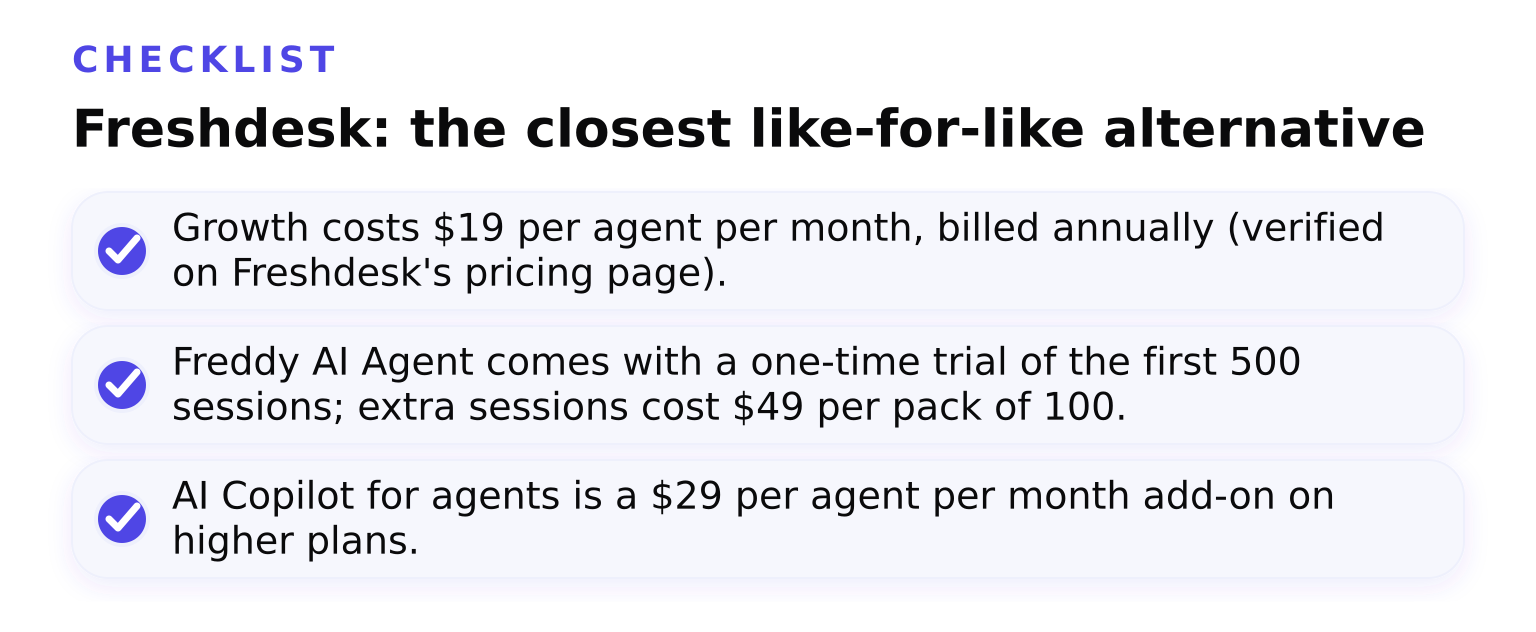
- Growth costs $19 per agent per month, billed annually (verified on Freshdesk's pricing page).
- Freddy AI Agent comes with a one-time trial of the first 500 sessions; extra sessions cost $49 per pack of 100.
- AI Copilot for agents is a $29 per agent per month add-on on higher plans.
Tradeoff: the seat price looks like Zendesk's cheapest tier, but the AI sessions are a usage meter. A busy site can burn through sessions quickly at $0.49 each, so budget for volume, not just seats.
Best fit: teams that want Zendesk's structure at a friendlier price and are comfortable tuning an AI agent themselves.
Zoho Desk: the budget pick
Zoho Desk is the cheapest credible full helpdesk here.
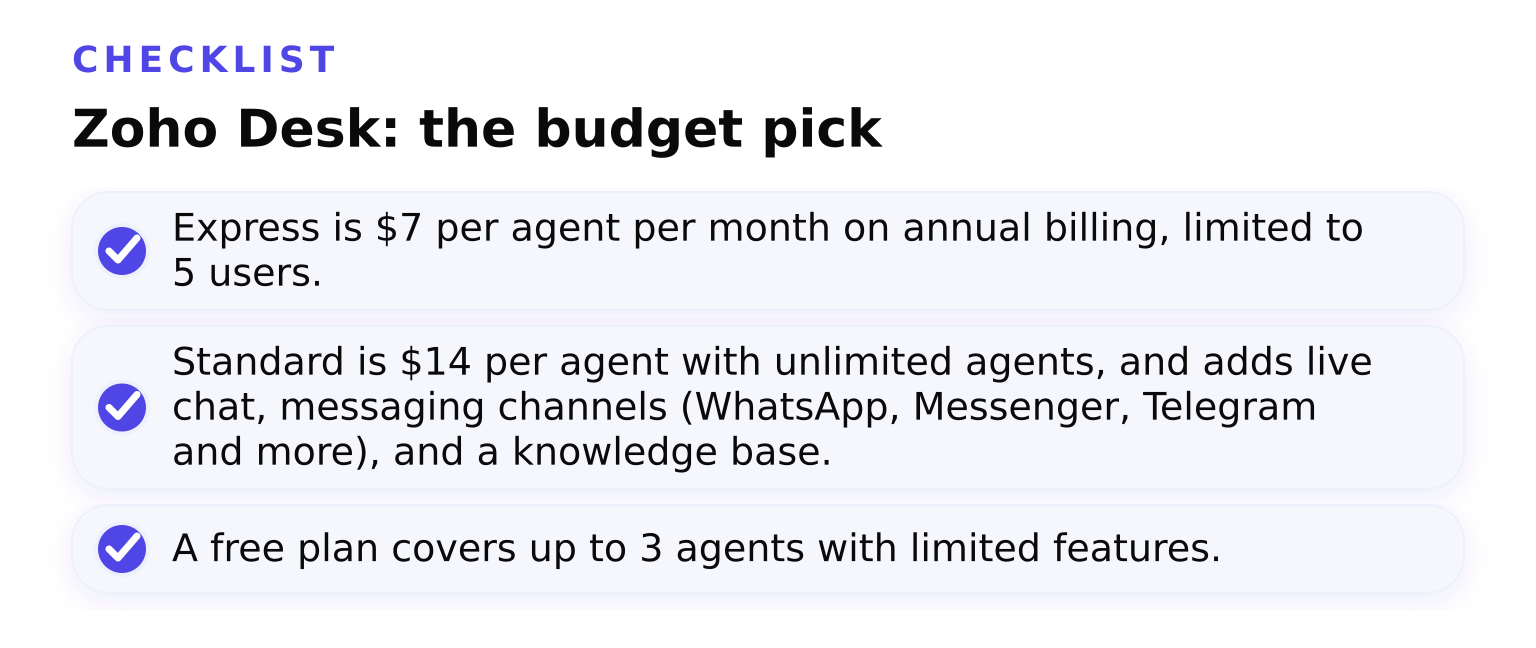
- Express is $7 per agent per month on annual billing, limited to 5 users.
- Standard is $14 per agent with unlimited agents, and adds live chat, messaging channels (WhatsApp, Messenger, Telegram and more), and a knowledge base.
- A free plan covers up to 3 agents with limited features.
Tradeoff: Express hits its ceiling at five people, so a growing team jumps to Standard. Reporting and integrations are less rich than Zendesk's unless you already live in the Zoho ecosystem, where Zoho Desk shines.
Best fit: small teams, especially those already using Zoho CRM or Zoho One, that want a real helpdesk for a few dollars per agent.
Intercom: AI-first messaging
Intercom rebuilt its product around its AI agent, Fin.
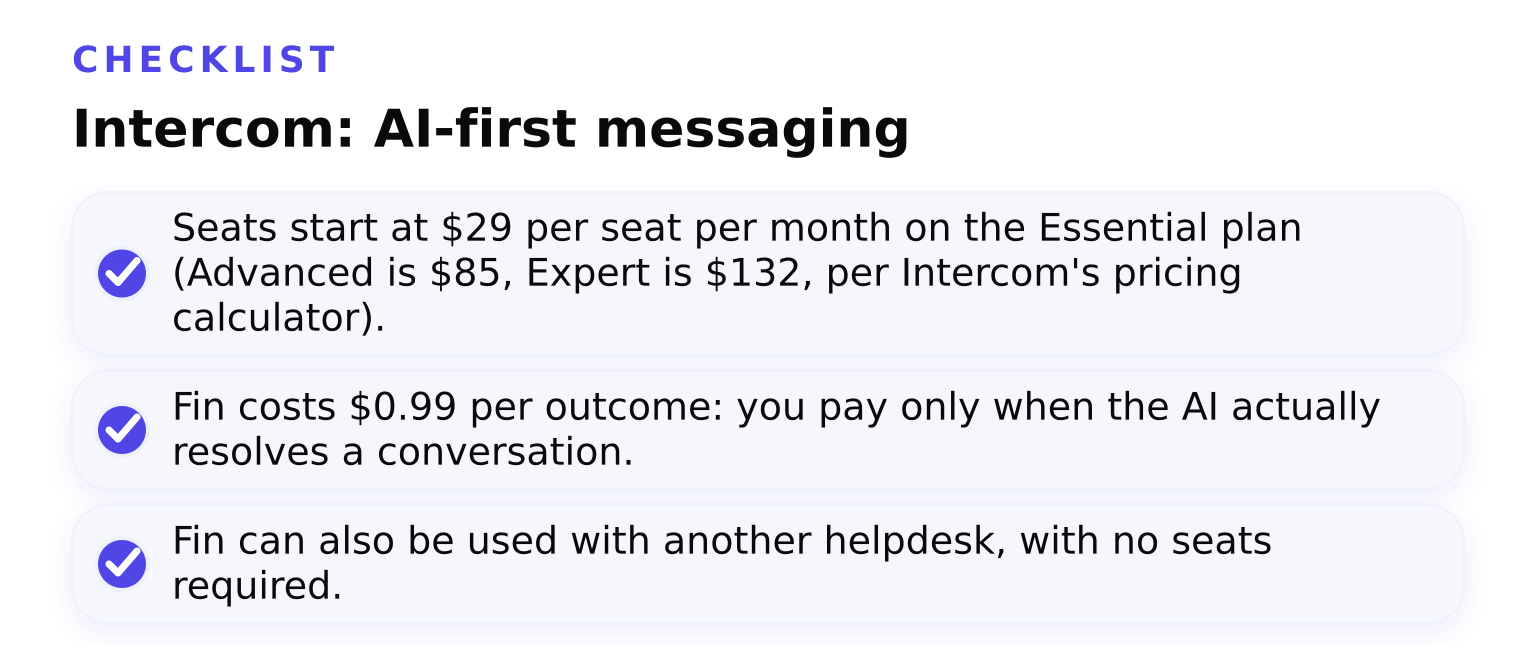
- Seats start at
29 per seat per month on the Essential plan (Advanced is85, Expert is $132, per Intercom's pricing calculator). - Fin costs $0.99 per outcome: you pay only when the AI actually resolves a conversation.
- Fin can also be used with another helpdesk, with no seats required.
Tradeoff: this is the clearest split of seat cost and AI cost, which is great for accountability and dangerous for surprises. One thousand Fin outcomes in a month adds roughly $990 on top of seats. Set hard usage limits from day one.
Best fit: SaaS and product teams that want messaging-first support and are ready to measure AI by results, not seats.
Help Scout: simple shared inbox with a real free plan
Help Scout keeps the model simple: one shared inbox, a knowledge base, and a website widget.
- A free plan includes 5 users, 1 inbox, 1 Docs site, and up to 100 contacts per month.
- Paid plans add channels and capacity on top of that base.
- AI Answers (Scout) costs $0.75 per resolution, and you can set a monthly spending cap so AI spend cannot run away. New accounts get a 3-month free AI Answers trial.
Tradeoff: it deliberately skips complex automation and heavy reporting. Fast-growing support operations will eventually outgrow it, but almost nobody struggles to set it up.
Best fit: small teams that want email-style support to stay simple, plus measured, capped AI on top.
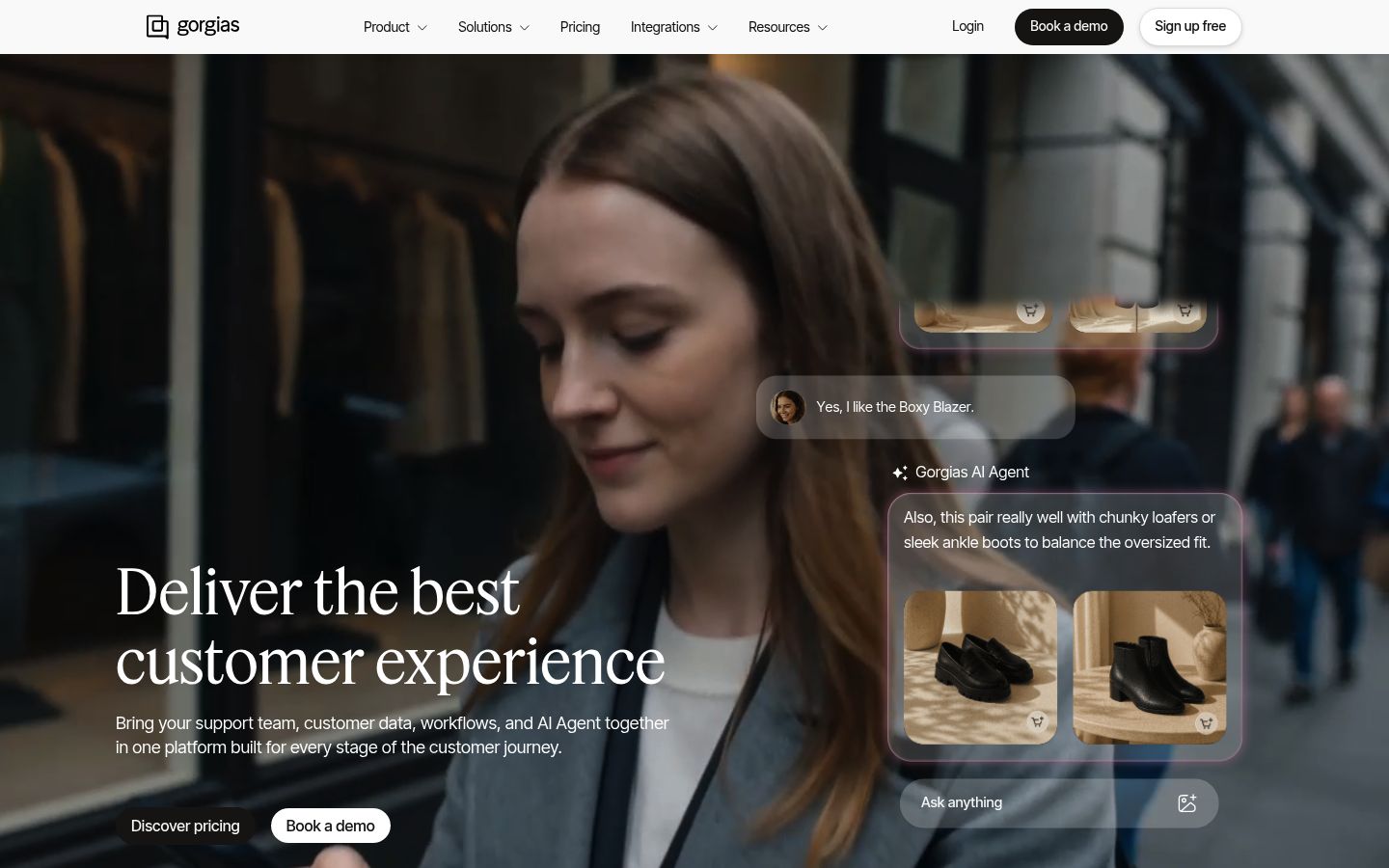
Gorgias: priced by tickets, built for e-commerce
Gorgias works differently from everything above: you pay by ticket volume, not per agent.
- Starter is
10 per month with 50 tickets; Basic is50 per month (billed annually) with 300 tickets; Pro is $300 per month with 2,000 tickets. - Every plan includes unlimited support agents, and overage tickets cost
0.36 to0.40 each. - The AI Agent add-on bills per automated interaction:
0.90 with an annual contract or1.00 monthly, and each automated interaction also counts as one helpdesk ticket.
Tradeoff: this model cannot be compared per-agent, so state your monthly ticket count before comparing prices. A quiet month is cheap; a launch spike with overages and AI interactions is not.
Best fit: Shopify and other e-commerce stores where agents handle order edits, refunds, and pre-sale questions in one place.
Chatwith: when you don't need a full helpdesk
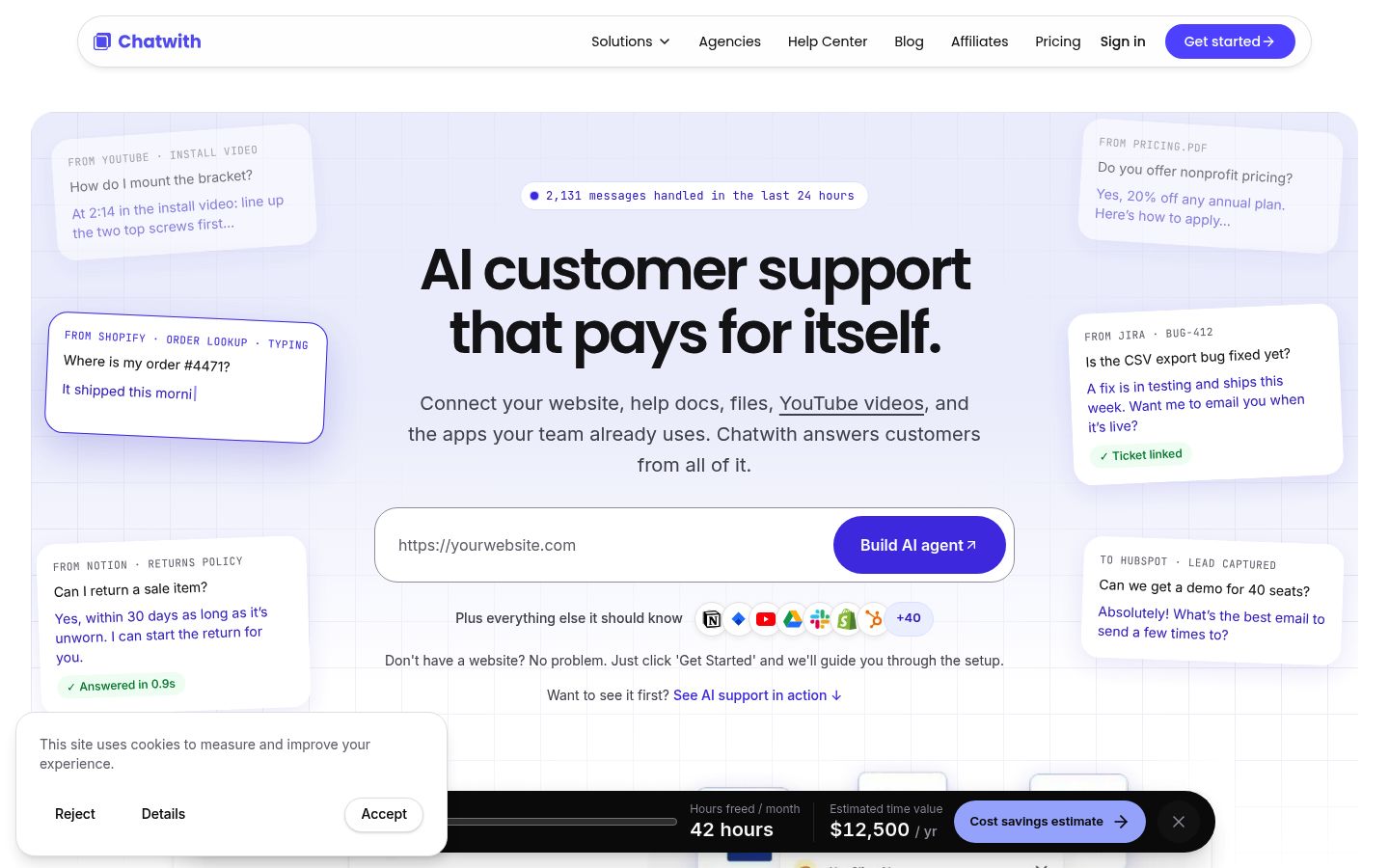
To be upfront: Chatwith is not a Zendesk replacement for omnichannel ticketing. It is a different category: a custom AI support agent, trained on your own content, including website pages, help docs, files, and videos. It answers customer questions around the clock, handles routine requests, and captures leads, and it can connect to your business tools to check orders or product availability.
Where it wins over a helpdesk:
- Setup is measured in minutes, not weeks: point it at your content and install a widget or add to your favorite comms app.
- It answers the repetitive questions before they ever become tickets, which is often why a team wanted Zendesk in the first place.
- Pricing is simple and public: Starter is
9 per month (250 messages), Hobby is19 (1,000 messages), Standard is99 (10,000 messages, human handoff), and Business is399 (40,000 messages). Standard and Business include a 7-day free trial.
Where it is not enough: if you need ticket queues, SLAs, phone support, agent performance reporting, or many human agents working complex cases, you still need Zendesk-class tooling. A common pattern is Chatwith on the website to cut ticket volume, with a slim helpdesk behind it for what remains. If you go that route, your site's FAQ content directly shapes your agent's answer quality, so it is worth doing well: see how to write an FAQ for a website and 7 best practices for business website agents. You can compare AI-agent tools directly in Chatwith vs. Chatbase.
Pricing models explained: why budgets get missed
Two teams with the same ticket volume can see very different invoices depending on the billing model they picked.
- Per-agent seats (Zendesk, Freshdesk, Zoho Desk, Intercom seats, Help Scout paid plans): your bill scales with headcount, and AI is often a separate meter.
- Per-usage AI (Fin outcomes at
0.99, Freddy sessions at49 per 100, Help Scout resolutions at0.75, Zendesk automated resolutions at1.50): your bill scales with how well the AI works, which is fair, but only if you forecast it. - Per-ticket volume (Gorgias): your bill scales with conversations, with agents free.
- Message-credit plans (Chatwith): a flat monthly bundle of AI messages, the most predictable of the four.
The budget rule: estimate your monthly AI resolutions, multiply by the per-unit price, and add that to seats before you commit. Most teams that get a surprise bill skipped this step.
How to choose: a quick decision framework
Answer four questions in order:
- How big is the team? Up to 5 agents: Zoho Desk Express or Help Scout's free plan. 5 to 20: Freshdesk or Intercom. Larger: stay on Zendesk or negotiate Gorgias volume.
- What channels do you need? Email plus website widget: Help Scout or Chatwith. Email, social, chat, phone: Freshdesk, Zendesk, or Zoho Desk Standard and up.
- How deep does AI need to go? Just deflecting common questions: Chatwith or Help Scout. Fully autonomous resolution with per-outcome accountability: Intercom's Fin or Gorgias.
- What business are you in? E-commerce store: Gorgias. SaaS: Intercom. Any website with repetitive questions and a small team: Chatwith, with a slim helpdesk behind it.
| Alternative | Pricing model | Entry price | AI billing | Best fit |
|---|---|---|---|---|
| Zendesk | Per-agent seats | 19/agent (Support-only), 55/agent (Suite Team), annual | $1.50 per extra committed automated resolution | Complex, omnichannel, enterprise needs |
| Freshdesk | Per-agent seats | $19/agent (Growth), annual | $49 per 100 Freddy sessions | Like-for-like Zendesk switch |
| Zoho Desk | Per-agent seats | $7/agent (Express, max 5 users), annual | Included tiers vary; BYOK AI on Express | Budget pick, Zoho ecosystem teams |
| Intercom | Seats plus usage | $29/seat (Essential), monthly | $0.99 per Fin outcome | SaaS, AI-first messaging |
| Help Scout | Free plan + paid seats | Free for 5 users, 100 contacts | $0.75 per AI resolution | Simple shared inbox, capped AI spend |
| Gorgias | Per-ticket volume | 10/mo (Starter) to 50/mo (Basic, annual) | $0.90 per AI interaction (annual) | E-commerce on Shopify |
| Chatwith | Message-credit plans | $9/mo (Starter) | Included in plan credits | Website-first AI agent, minimal setup |
All prices above were verified on each vendor's own pricing page or official help documentation at draft time; re-check before you buy, since vendors change prices often.
FAQ
Is Zendesk similar to Salesforce? No. Salesforce is a CRM platform with a service cloud module; Zendesk is a dedicated customer service tool. They integrate with each other, but they solve different problems. Some teams replace a Zendesk-plus-CRM stack with one Salesforce deployment, but for most small teams that is a much heavier move than switching helpdesks.
Is there an open-source version of Zendesk? Not from Zendesk itself. Open-source options such as Zammad and FreeScout exist, but you take on hosting, updates, and security yourself. For most readers, a cheap hosted alternative like Zoho Desk or Help Scout's free plan is a better trade.
Can I try a Chatwith agent before paying? Yes. Standard and Business plans come with a 7-day free trial, and you can see the full plan limits and add-ons on the Chatwith pricing page.
Do I need to replace my helpdesk to use Chatwith? No. Many teams run an AI website agent alongside their existing helpdesk to cut ticket volume first, then decide whether the helpdesk still needs to be as heavy as it is.
The next step
If this comparison told you that your problem is really repetitive website questions rather than ticket routing, try the lighter path first: sign up for Chatwith, train an agent on your existing content in minutes, and watch how much volume disappears before you commit to a new helpdesk at all.
Ready to engage your customers?
Boost sales, save resources and make your customers happy.
Your custom AI agent, no coding required.
More from our blog
When Should an AI Support Agent Hand Off to a Human?
Build a practical AI customer support escalation policy with handoff triggers, example messages, team ownership, and ways to measure missed escalations.
How much time can AI agents save you on customer support
Can artificial intelligence bot save you time and money? Learn how AI agents for customer support automate responses and boost customer satisfaction.