
Alyssa DiCarlo
Owner of Chatwith
Best AI Agent Platforms in 2026: Builders Ranked and Reviewed
TL;DR
There is no single best AI agent platform. The right pick depends on what your agent must do and where it runs: a website-facing support agent, internal workflow automation, or enterprise-scale deployment.
- Chatwith: website customer-support agents trained on your content; best for support, sales chats and lead capture on your site.
- Chatbase: customer-experience agents across chat, email, phone and more; strong helpdesk handoff.
- Lindy: no-code AI teammates for business tasks like meetings, outreach and support drafts.
- Gumloop: team-wide agent builder with enterprise controls; pay-per-run credit pricing.
- Zapier Agents: agents wired into 9,000+ apps; internal automation, not website embeds.
- n8n: workflow automation with built-in agents; self-host for data control, steeper learning curve.
- Voiceflow: CX team platform for chat and voice agents; enterprise features and pricing.
- Botpress: support agents that resolve complicated tickets end to end; developer-friendly depth.
- Microsoft Copilot Studio: agents inside Microsoft 365 and Power Platform; governance for big organizations.
- Dify: open-source platform for agentic workflows and RAG apps; needs technical ownership.
If your main job is answering customer questions on your website, a support-focused builder is the answer. If it is automating internal work, pick a workflow platform instead.
What "the best" actually depends on
An AI agent platform is a tool for building software agents: AI programs that answer questions, follow instructions and take actions, not just chat. In 2026 the market has split into three broad categories, and "best" means something different in each one.
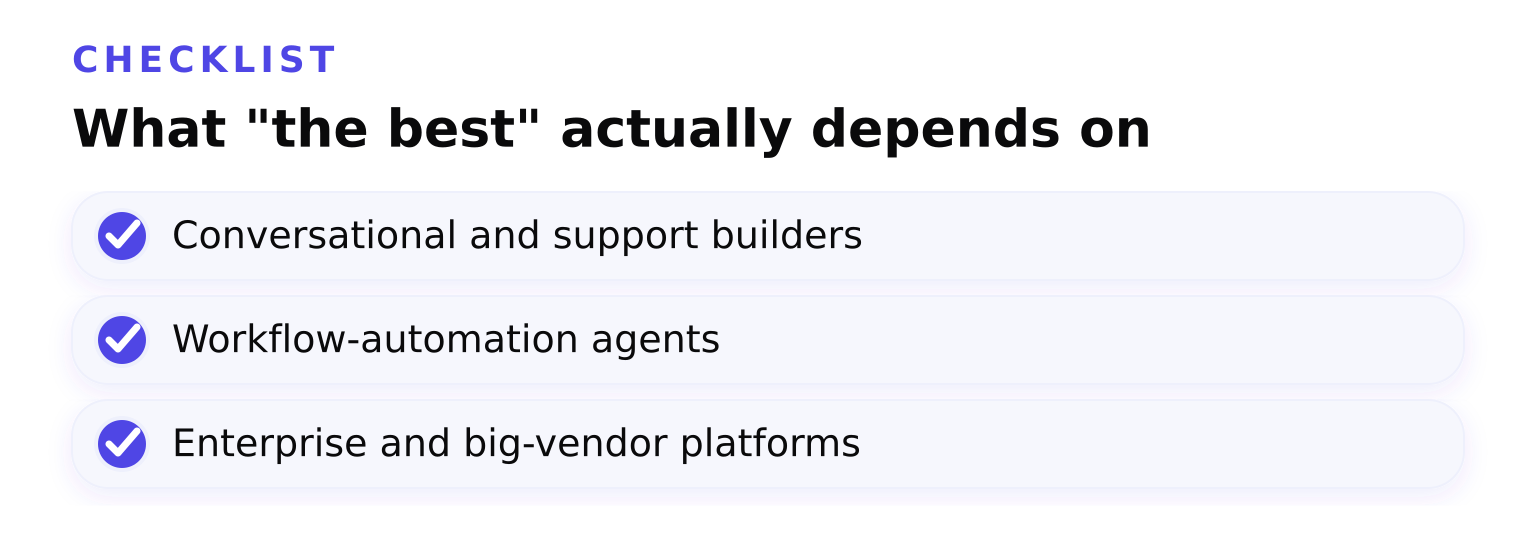
- Conversational and support builders (Chatwith, Chatbase, Voiceflow, Botpress) train agents on your business content and deploy them where customers are: your website widget, WhatsApp, email, voice.
- Workflow-automation agents (Zapier Agents, n8n, Gumloop, Lindy) run inside your internal tools. They watch triggers, move data between apps and do back-office work.
- Enterprise and big-vendor platforms (Microsoft Copilot Studio, Dify) focus on governance, scale and deployment control across an organization.
A reader thread on what are the best platforms for building AI agents without code shows the pattern behind most searches for this topic: people want real use cases handled, not demos. Match the platform category to the job first, the brand second.
How we ranked these platforms
We compared every platform on six criteria:
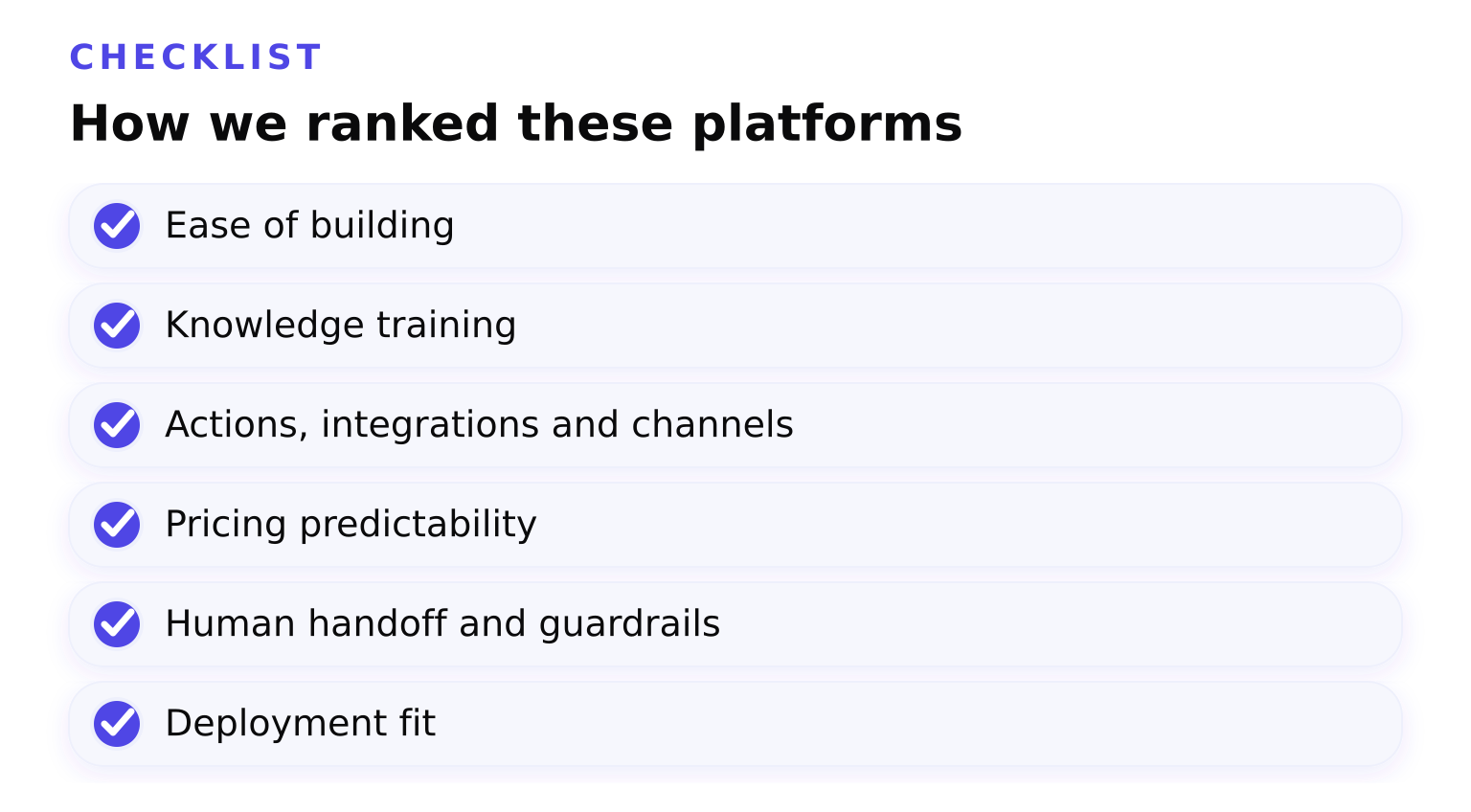
- Ease of building for non-developers
- Knowledge training: website content, docs, files and URLs
- Actions, integrations and channels
- Pricing predictability and free entry
- Human handoff and guardrails for customer-facing agents
- Deployment fit: website widget, internal tools or enterprise rollout
If you want a longer version of this buying framework, we wrote a full guide on how to choose the right custom ChatGPT AI agent.
The best AI agent platforms by use case
Chatwith: best for website customer support
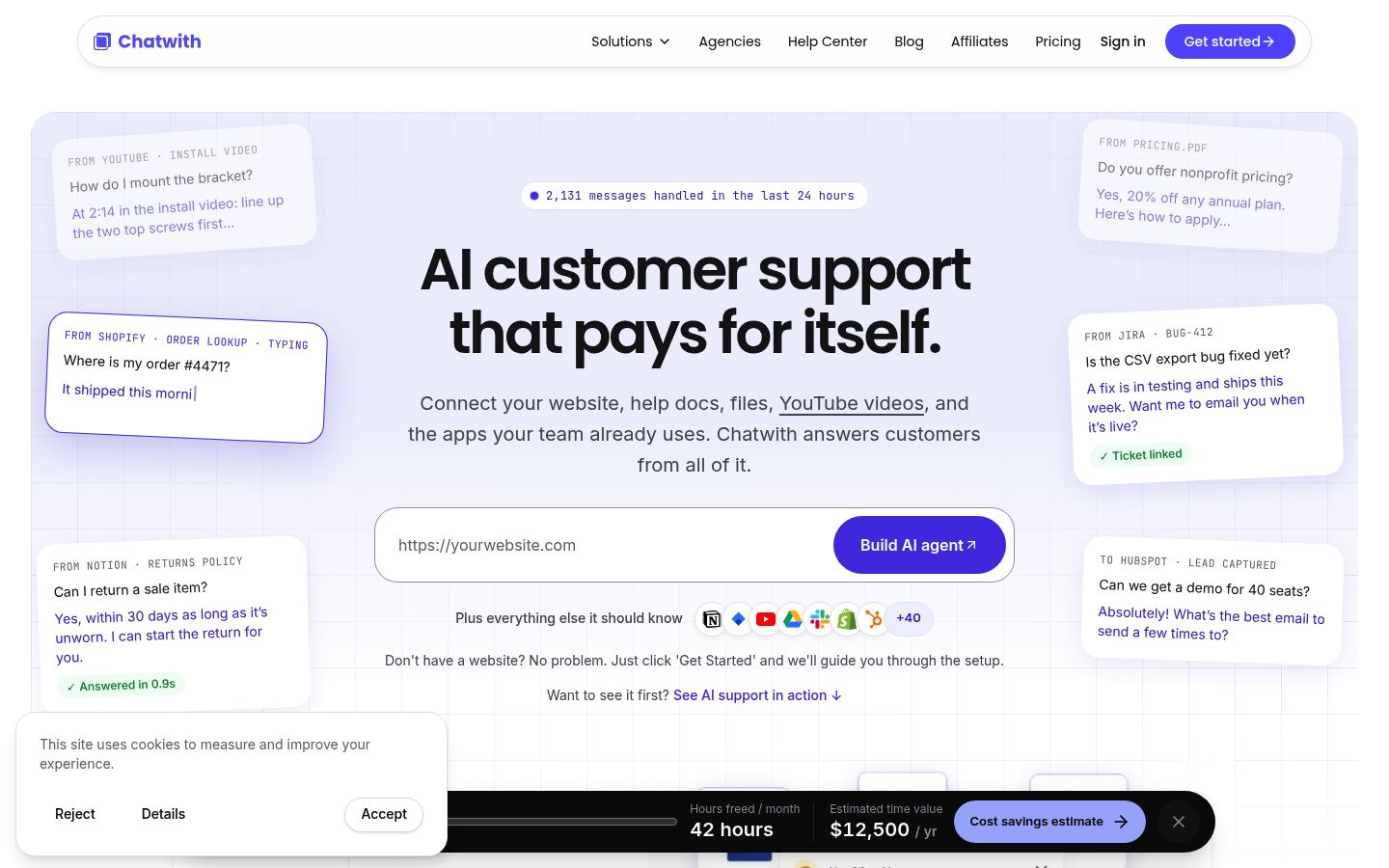
Chatwith is built for one job: a customer-facing agent on your website. You train it on your website content, help docs, files and videos. It then answers recurring customer questions, handles routine requests like order lookups, and captures leads through a lead collection form. E-commerce shops use it for product recommendations and order status; SaaS teams use it to deflect tickets; real estate and food-delivery businesses use it for listings, viewings and delivery questions.
Strengths: trained on multiple content types including video; connects to business tools through an actions system, including Shopify and WooCommerce integrations for order status and product search; installs on WordPress, Shopify, Webflow, Wix and other site builders in minutes.
Tradeoffs: it is a website-support builder, not a general automation platform. If your goal is internal back-office automation, a workflow tool is a better fit. Pricing is usage-based per agent; check the current tiers on Chatwith's pricing page.
Chatbase: best for omnichannel customer experience
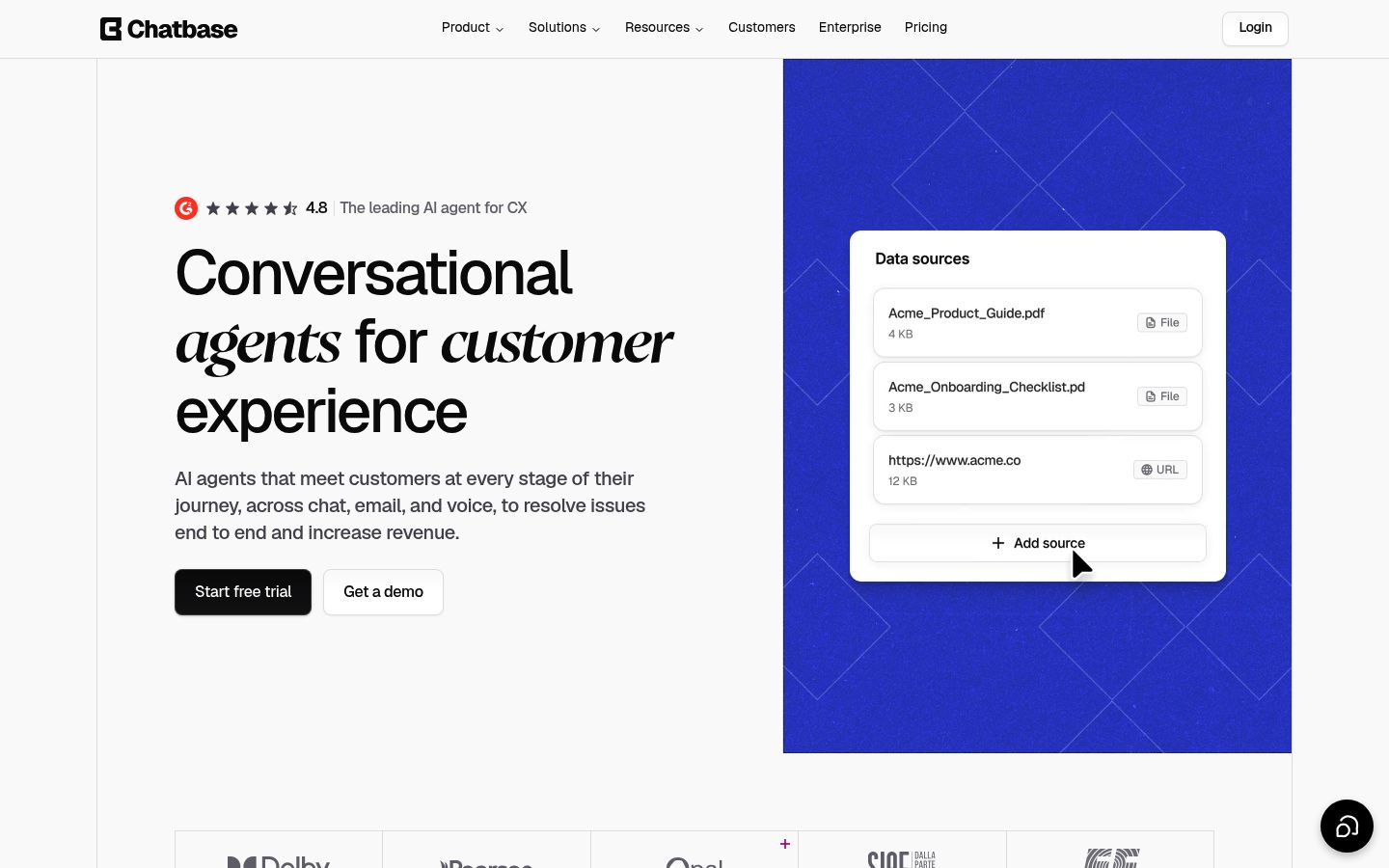
Chatbase trains agents on your data and deploys them across chat, email, phone, WhatsApp and Slack. Its built-in AI helpdesk handles human handoff two ways: open an async ticket, or route a live human into the chat with full conversation context. It also connects to Zendesk, Intercom, Gorgias and other existing helpdesks, so it can sit on top of what you already run.
Strengths: broad channel coverage, structured build-test-deploy flow, SOC 2 Type II and GDPR compliance.
Tradeoffs: pricing is credit-based per message and feature, so costs grow with usage and advanced features sit on higher tiers. For a focused head-to-head, see our Chatwith vs. Chatbase support workflow comparison.
Lindy: best for no-code AI teammates
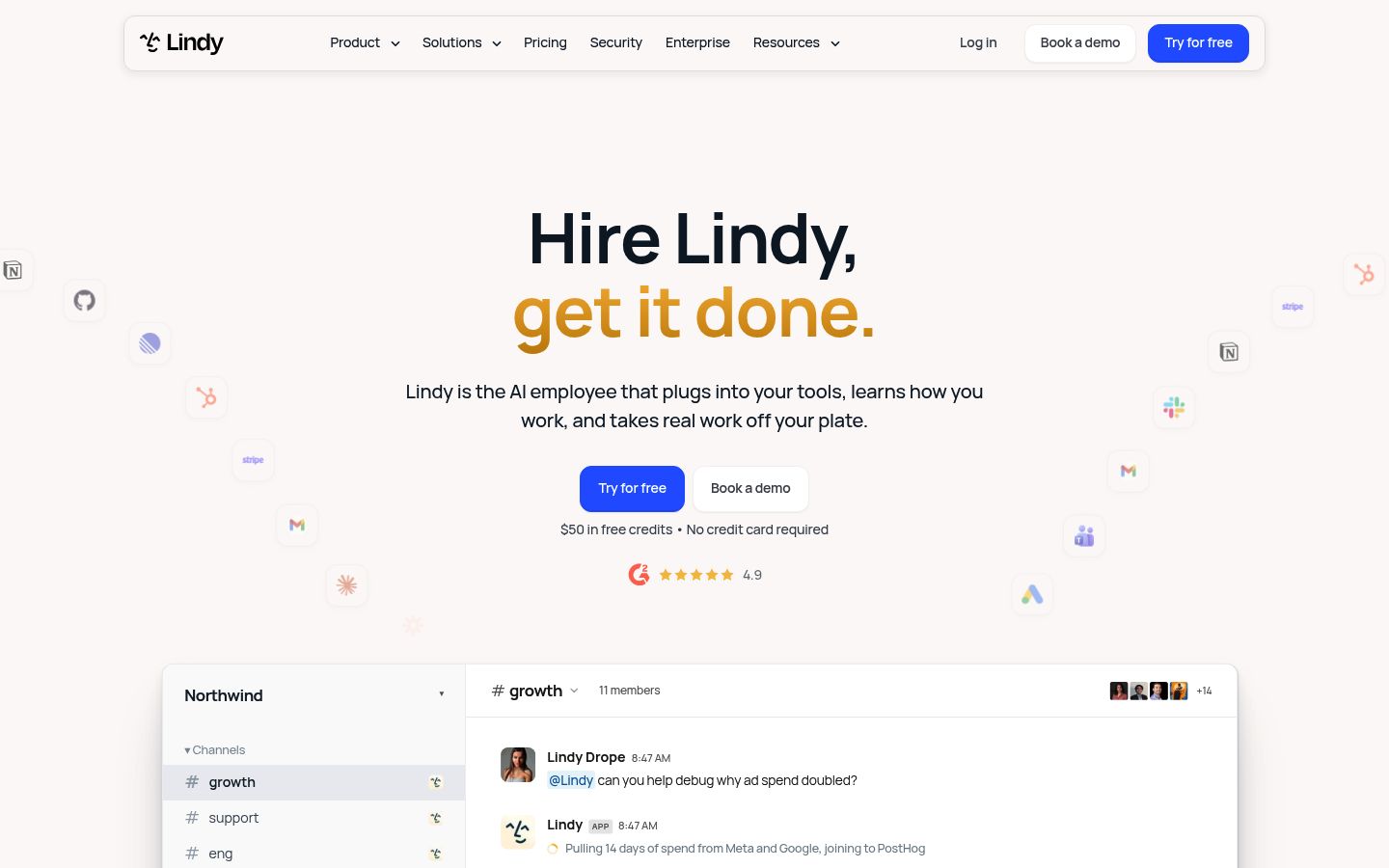
Lindy sells AI "teammates" for business tasks: meeting notes, email drafting, outreach, lead qualification. Its own roundup of the best agentic AI tools for business in 2026 positions it as a business-workflow tool rather than a website widget. You describe the job in plain language and connect apps rather than code.
Strengths: genuinely no-code, wide library of prebuilt teammate templates.
Tradeoffs: pricing is per user, starting at $49.99 a month for 5,000 credits each, with credits pooled across the workspace, per Lindy's pricing page. You need to forecast team usage. It handles business tasks broadly but is less specialized for training a customer-facing website widget on your own content.
Gumloop: best for team-wide agents with IT oversight
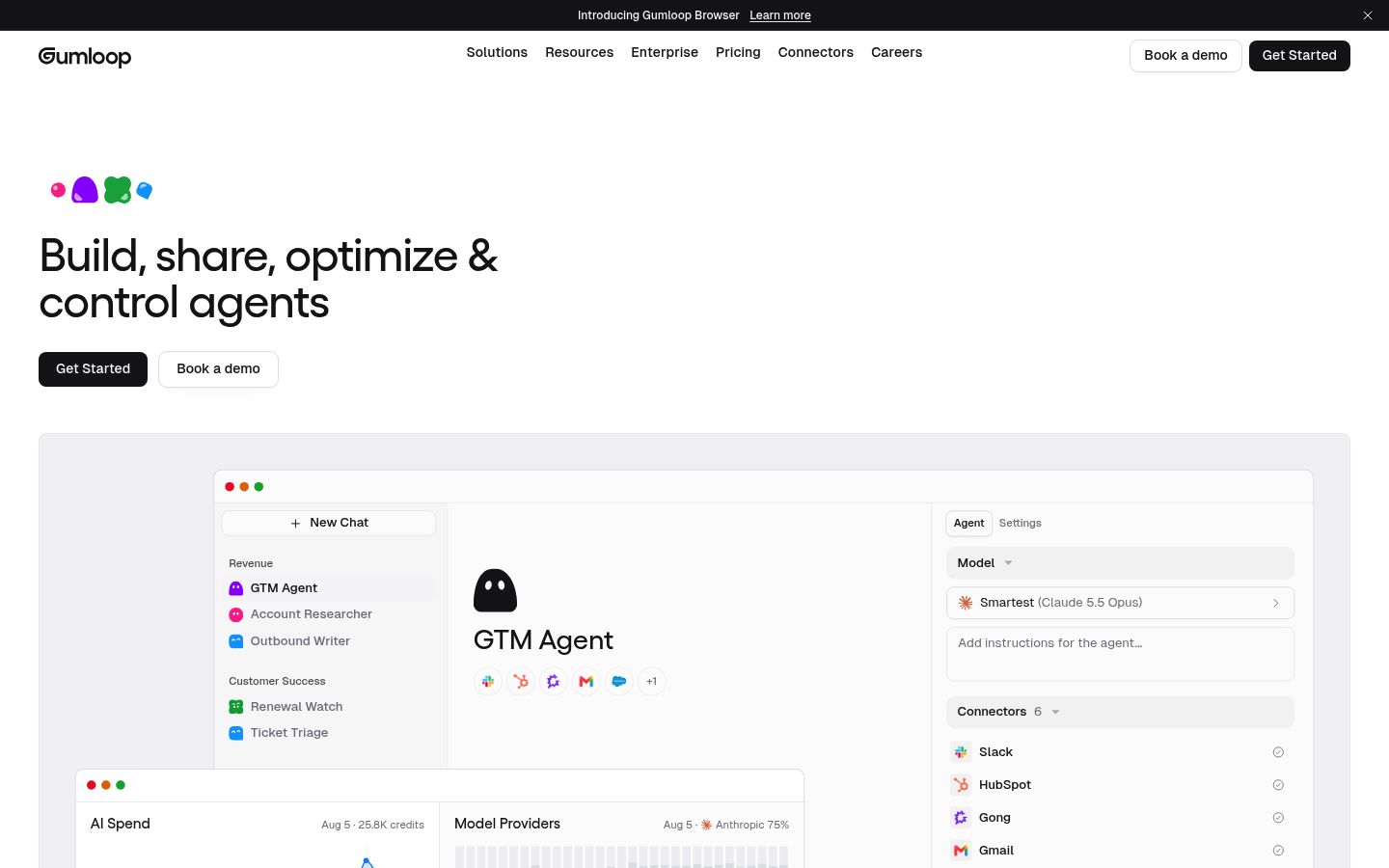
Gumloop positions itself as the multiplayer agent builder: anyone in the company builds agents while IT controls access. Agents connect to apps like Slack, Gmail, Salesforce and HubSpot, run on triggers, and write reusable skills. The company documents enterprise controls including SSO, audit logging and VPC deployments.
Strengths: strong governance story, model-agnostic, triggers and scheduled runs.
Tradeoffs: pricing is the most complex we reviewed. Gumloop's credit documentation prices one credit at $0.005, bills an agent run as model calls plus tool calls plus compute minutes, and adds an 8% orchestration fee per run. Predicting a monthly bill takes some homework, and it is aimed at internal work, not a customer-facing website widget.
Zapier Agents: best inside the Zapier ecosystem
Zapier Agents are AI teammates that work across 9,000+ connected apps. You describe what should trigger them and what they do, add knowledge sources, and Zapier Copilot helps configure everything.
Strengths: the largest app catalog in the category; setup in minutes if you already use Zapier.
Tradeoffs: Zapier's own help docs state that Agents cannot be embedded on a website or shared as a live, customer-facing experience. It is for internal automation only, and pricing follows Zapier's plan-and-credit model.
n8n: best for self-hosted workflow agents
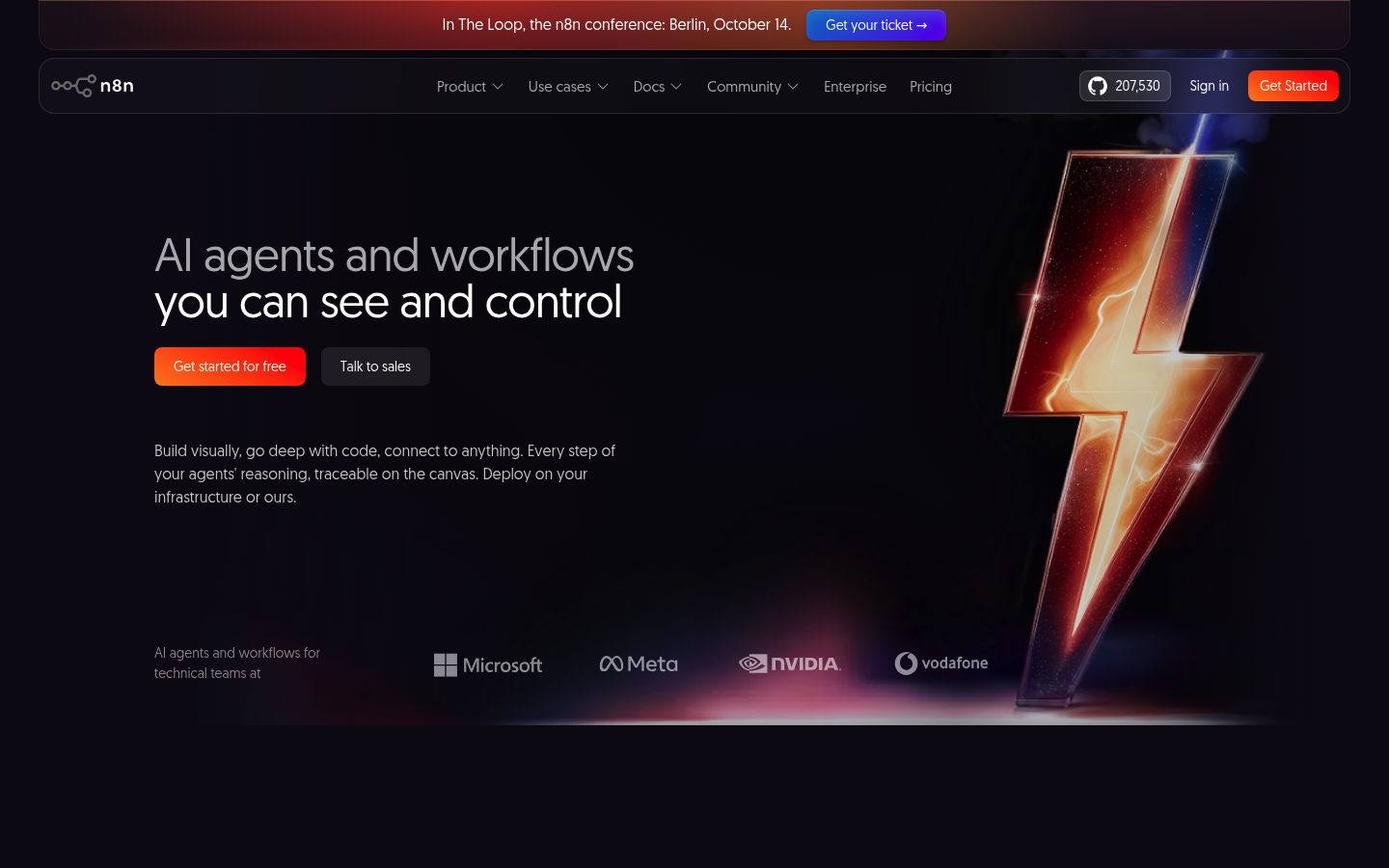
n8n is an automation engine first, with agents as first-class citizens. You build agents on a visual canvas with a large integration library, add human approval steps, and inspect every execution log. You can self-host with Docker to keep data in your own environment, or use the managed cloud.
Strengths: full data control when self-hosted, human-in-the-loop approvals, transparent run logs.
Tradeoffs: the visual canvas and concepts take time to learn. It automates internal processes well but was not designed to be trained on your website and dropped in as a support widget.
Voiceflow: best for CX teams managing many agents
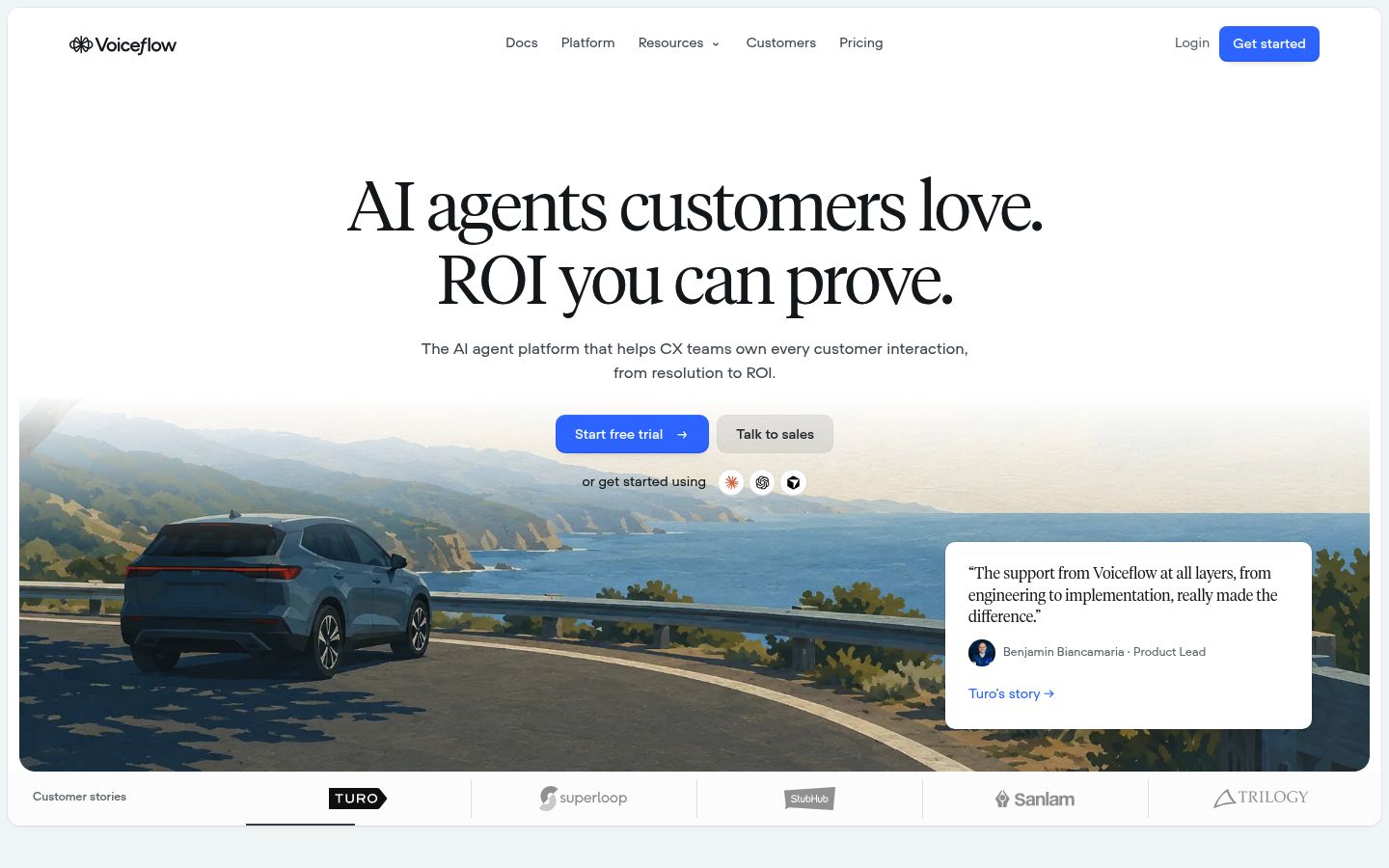
Voiceflow targets customer-experience teams that build, launch and iterate on agents at scale. Agent Studio gives detailed control over conversation design, workflows and API calls, with analytics, staging environments and team roles. The company reports 3,000+ customers and over a billion agent messages processed, and supports chat and voice channels.
Strengths: deep customization, production pipelines with testing, SOC 2 Type II and ISO 27001.
Tradeoffs: it is an enterprise CX platform. Pricing is quote-based for businesses, and the design tools are more than a small team answering website questions needs.
Botpress: best for complex support tickets
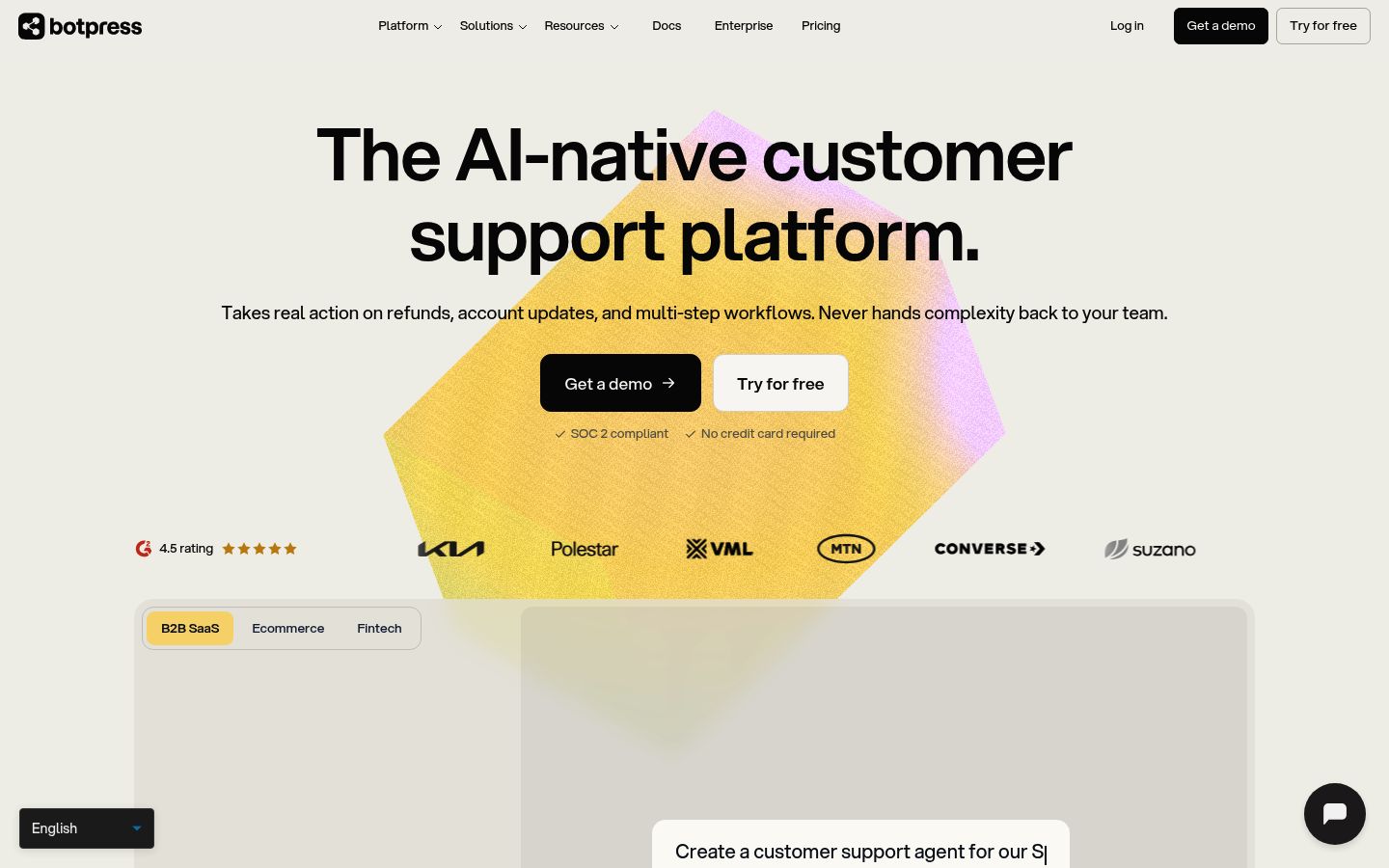
Botpress builds support agents that act rather than answer: refunds, account updates and multi-step workflows resolved end to end, with a documented hot handoff that passes full context to a human when things get complicated. Its visual editor has a drag-and-drop canvas plus a code editor when you need custom logic, and agents connect to your existing helpdesk or replace it. The company counts 750k AI agents built on its platform.
Strengths: escalation rules and fallback logic, SOC 2 compliance, large installed base.
Tradeoffs: the platform's depth suits technical teams. If you want the simplest possible path from help docs to a working website widget, lighter builders get you there faster.
Microsoft Copilot Studio: best for Microsoft 365 organizations
Microsoft Copilot Studio is Microsoft's no-code platform for building agents connected to Microsoft 365 data, your business systems and a large ecosystem of prebuilt Power Platform connectors, with custom connectors for anything else.
Strengths: deployment inside Teams, SharePoint and Copilot; lifecycle management, admin controls and security review your compliance team already understands.
Tradeoffs: licensing runs through Microsoft 365 Copilot add-ons or Copilot Credits, which makes costs hard to predict for mixed teams. If your customers live outside the Microsoft ecosystem, it fights the grain.
Dify: best open-source option for technical teams
Dify is an open-source platform for agentic workflows, RAG pipelines and knowledge bases. You can self-host with Docker, run in your VPC, or use Dify Cloud. Apps publish as web apps, website embeds or APIs.
Strengths: open source with a large community (159k+ GitHub stars), model-agnostic, full visual workflow editor with human review steps.
Tradeoffs: you own deployment, updates and scaling. If nobody on your team runs servers, a managed builder is the better choice.
When a website-support builder is the wrong tool
Be honest about your use case. Skip a support-focused builder and choose a workflow or enterprise platform when:
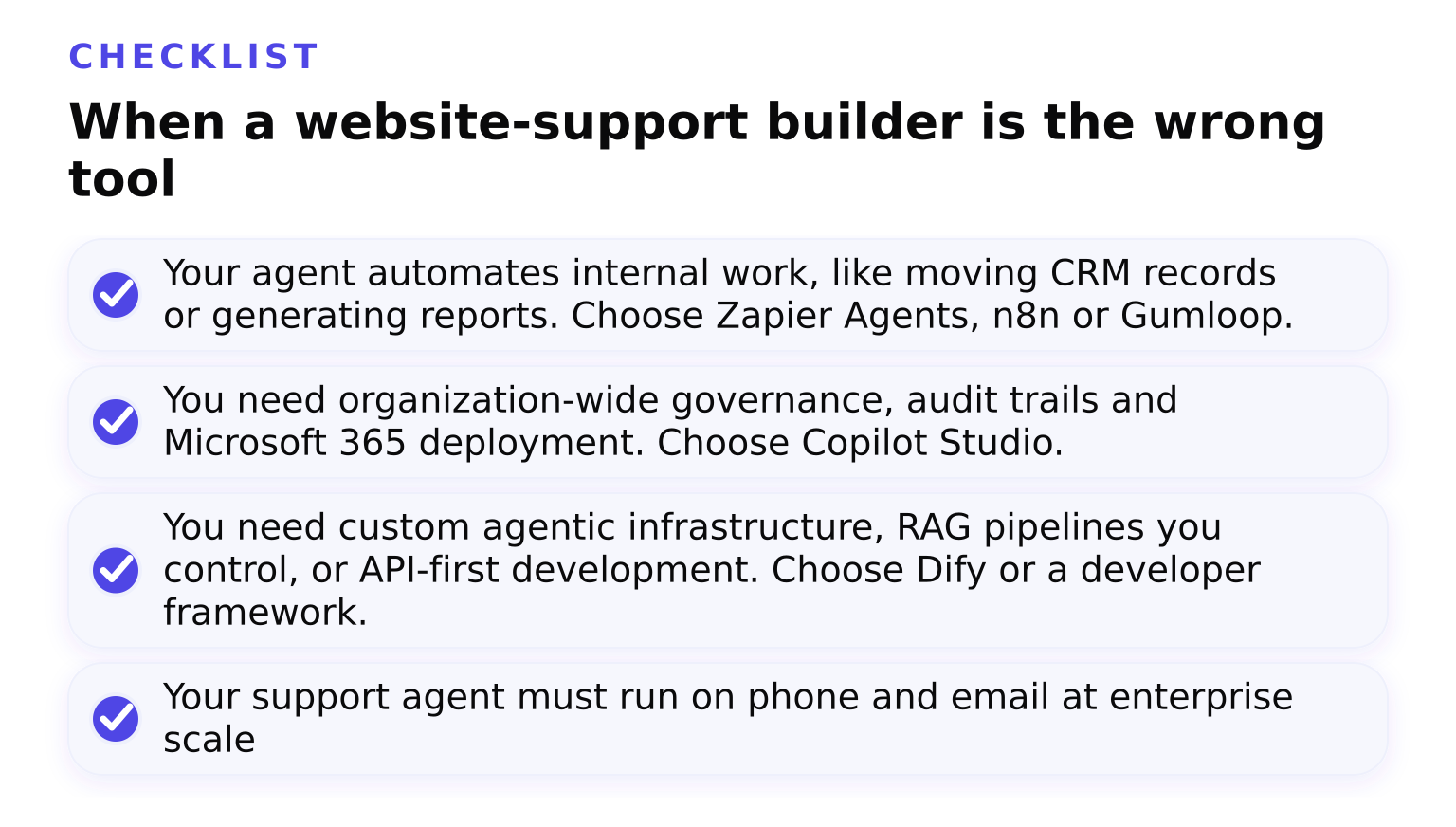
- Your agent automates internal work, like moving CRM records or generating reports. Choose Zapier Agents, n8n or Gumloop.
- You need organization-wide governance, audit trails and Microsoft 365 deployment. Choose Copilot Studio.
- You need custom agentic infrastructure, RAG pipelines you control, or API-first development. Choose Dify or a developer framework.
- Your support agent must run on phone and email at enterprise scale with a CX team managing it. Voiceflow and Chatbase fit better than a widget-first tool.
Pricing models compared
Before comparing numbers, compare billing models. This is where platforms differ most:
| Platform | Pricing model | What that means for you |
|---|---|---|
| Chatwith | Usage-based plans per agent | Check the current tiers on Chatwith's pricing page rather than forecasting per-message costs by hand |
| Chatbase | Message and feature credits | Cheap at low volume; costs scale with conversations and add-ons |
| Gumloop | Credits per run at $0.005 each plus an 8% orchestration fee (docs) | Flexible but variable; deep tasks cost more than quick ones |
| Lindy | Per user from $49.99/mo with pooled credits (pricing) | Predictable per seat, but heavy users drain the shared pool |
| Zapier Agents | Plan tiers plus task credits | Familiar if you already pay for Zapier |
| n8n | Cloud plans or free self-hosting | Lowest cost at scale if you self-host and maintain it |
| Voiceflow | Quote-based for business | Enterprise budgeting, not self-serve |
| Botpress | Credit-based plans with free entry | Pay for what agents do |
| Copilot Studio | M365 Copilot license add-on or Copilot Credits | Bundled with Microsoft agreements |
| Dify | Cloud plans, free self-hosted community edition | Free software, hosting costs your time |
The honest summary: most of this market bills in credits. The platform with the model you can predict on your own usage is usually the better deal.
Human handoff and guardrails decide support quality
For customer-facing agents, two features separate good platforms from demo-quality ones. First, handoff: Chatbase's dual ticket-plus-live-chat model and Botpress's context-passing escalation both do this well, and it matters most when an agent hits a question it cannot answer. Our guide on when an AI support agent should hand off to a human walks through that decision. Second, guardrails: rules that constrain what an agent will say or do, so it stays on-topic and avoids promises it cannot keep. If you pick any platform here, plan for both from day one rather than after a bad conversation. Our guide to guardrails for AI agents explains how to configure them in practice.
Decision shortlist
- Choose Chatwith if your goal is a support and sales agent on your website, trained on your content, capturing leads around the clock.
- Choose Zapier Agents or n8n if your goal is internal automation across apps you already use.
- Choose Copilot Studio if your organization runs on Microsoft 365 and needs governance.
- Choose Chatbase, Voiceflow or Botpress if you need omnichannel customer experience at scale beyond a website widget.
FAQ
What is the best no-code AI agent builder? For customer-facing website agents, Chatwith and Chatbase are the strongest no-code options. For internal automation, Zapier Agents and Lindy are the easiest starts. For maximum control without code on an enterprise budget, Gumloop and Voiceflow.
What is the best free AI agent builder? Dify's community edition is free if you self-host. n8n is free self-hosted as well. Most hosted builders, including Chatwith, Chatbase and Zapier, offer free tiers or trials with usage limits.
What is the best AI agent platform for business? For customer support, Chatwith for websites or Chatbase and Voiceflow for omnichannel. For internal business processes, Zapier Agents and n8n. For large governed deployments, Copilot Studio.
Is there a better option than ChatGPT for this? ChatGPT is a model, not a platform. Agent platforms wrap a model with your knowledge, actions, channels and controls. That is exactly the gap tools like Chatwith fill: a custom GPT trained on your business content, deployed on your website.
If your main goal is a customer-support agent on your website, sign up and get started with Chatwith and have your first agent answering questions today. If you picked a support builder, our 7 best practices for business website agents will help you launch it well.
Ready to engage your customers?
Boost sales, save resources and make your customers happy.
Your custom AI agent, no coding required.
More from our blog
How to improve e-commerce customer support with a Chatwith Agent
Customize ChatGPT for e-commerce to offer 24/7 support, personalized interactions, and reduce costs, while improving the online shopping experience.
10 Best Zendesk Alternatives in 2026 (Compared for Price, Setup and AI Support)
An honest comparison of Zendesk alternatives: Freshdesk, Zoho Desk, Intercom, Help Scout, Gorgias and Chatwith, compared on pricing model, setup effort and AI depth, with a pick for each use case.