
Alyssa DiCarlo
Author
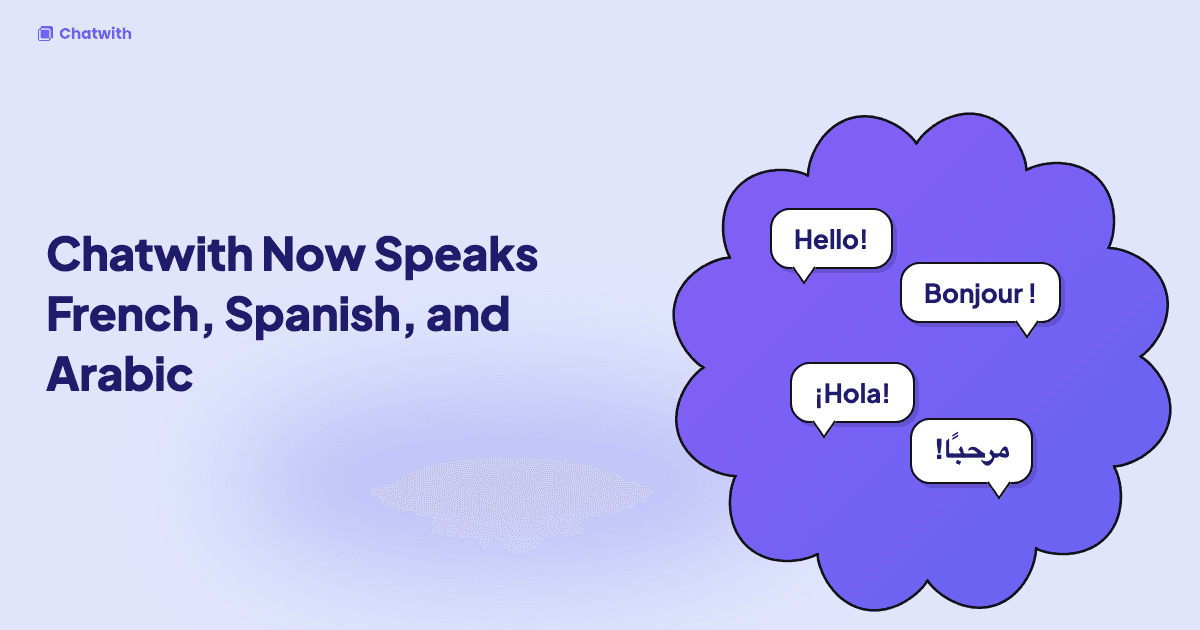
Chatwith now speaks French, Spanish, and Arabic
Your agent could already answer visitors in their own language. The interface around it couldn't. The dashboard was English only, and so were the buttons, placeholders, and system messages in the chat widget.
That changes today. You can now use Chatwith in English, French, Spanish, and Arabic.
A dashboard in your language
Open the Locale menu in the header, next to the notification bell, and pick a language. The entire dashboard switches: knowledge sources, conversations, refinements, settings, installation, billing, and developer tools.
Your choice is saved to your account, so the dashboard opens in the same language on every device. If you haven't picked a language, Chatwith uses your browser's language, then falls back to English.
Each team member picks their own language. A teammate in Madrid can work in Spanish while you work in English on the same agent.
A widget that matches your visitors
The chat widget your visitors see is translated too. That covers the input placeholder, buttons, the previous chats view, and system messages such as the confirmation a visitor gets when a conversation is escalated to your team.
To choose the widget's language, go to Settings → General → Visitor widget language:
- Automatic (default): the widget uses your account language if you've set one, otherwise the visitor's browser language.
- A specific language: every visitor sees the widget in that language, whatever their browser settings.
If you've written a custom escalation reply, the widget always shows your text exactly as written.
Full right-to-left support for Arabic
Arabic isn't just translated text. When you or your visitors use Arabic, the dashboard and the widget switch to a right-to-left layout. Navigation, menus, dropdowns, and chat bubbles are mirrored the way Arabic readers expect.
Dates and times in your time zone
Timestamps across the dashboard, including conversation times, usage charts, and billing dates, are now formatted for your language and shown in your local time zone. You no longer have to convert from UTC in your head when you review last night's conversations.
For developers: set the widget language through the API
The public API now accepts a locale field when you create or update an agent. Pass en, fr, es, or ar to fix the widget language, or null for automatic selection. Agencies that manage many client agents can set the right language for each one without opening the dashboard.
What's next
We started with the four languages our customers asked for most. If your team or your visitors need another one, tell us through the feedback button in the dashboard. Those requests decide which language comes next.
Open your dashboard and pick your language from the Locale menu.
Ready to engage your customers?
Boost sales, save resources and make your customers happy.
Your custom AI agent, no coding required.
More from our blog
10 Best Zendesk Alternatives in 2026 (Compared for Price, Setup and AI Support)
An honest comparison of Zendesk alternatives: Freshdesk, Zoho Desk, Intercom, Help Scout, Gorgias and Chatwith, compared on pricing model, setup effort and AI depth, with a pick for each use case.
FAQ Agent: How to Add AI-Powered Q&A to Your Website (2026)
Learn what an FAQ agent is, how it works, and how to add one to your website in minutes — no coding required. Turn your static FAQ into an interactive AI assistant.